Make Windows faster for games. Then prove it.
Velox applies 266 reversible tweaks, tunes every game, and benchmarks before and after, so you see the real difference instead of a promise.
Windows 10 & 11 · Every change can be undone · Your account is created instantly
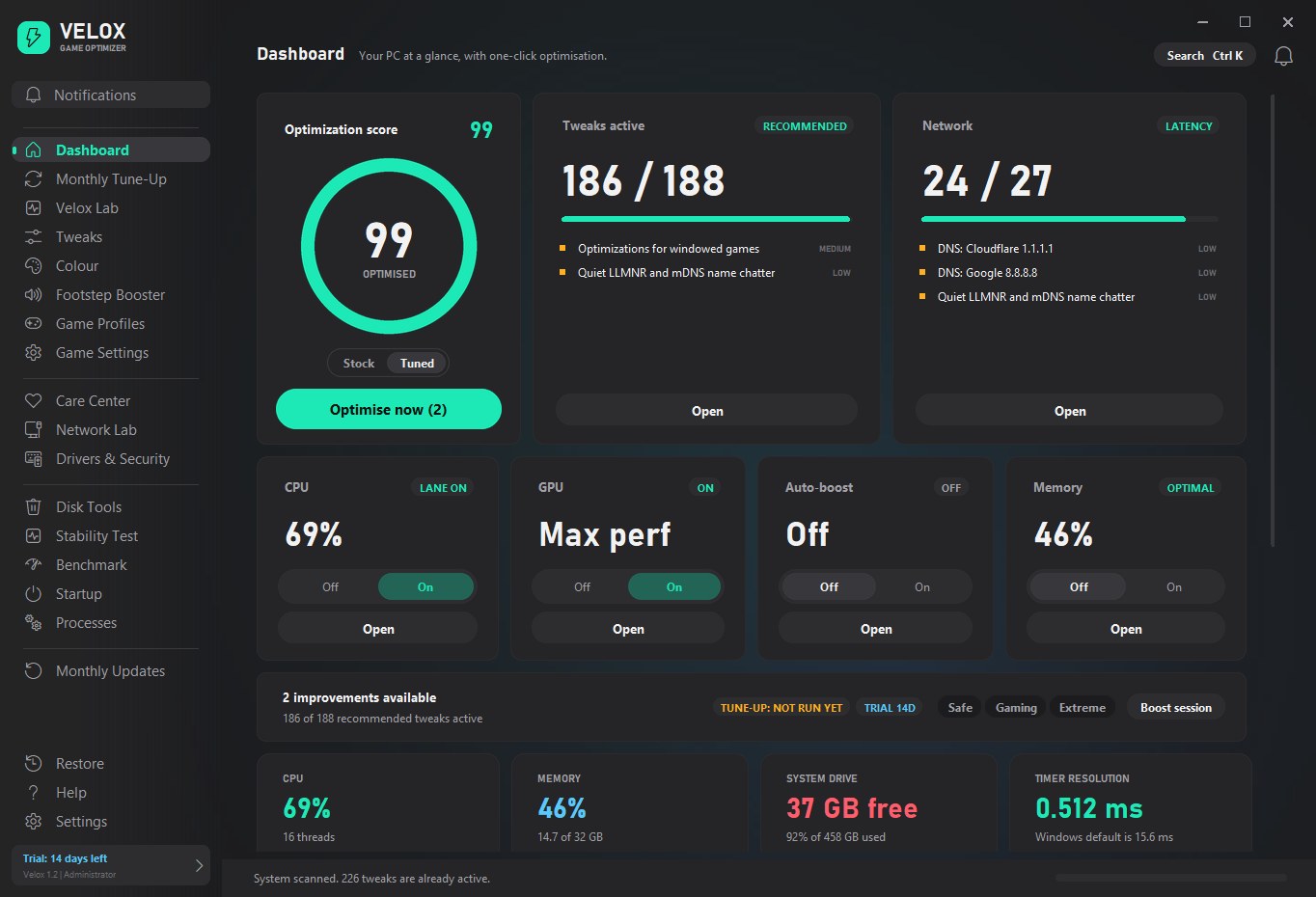
Most "optimisers" ask you to trust them
Velox is built around the opposite idea: show what changes, let you undo it, and measure the result.
Built for people who care about frames
Six tools that work together, from system tweaks to per-game settings.
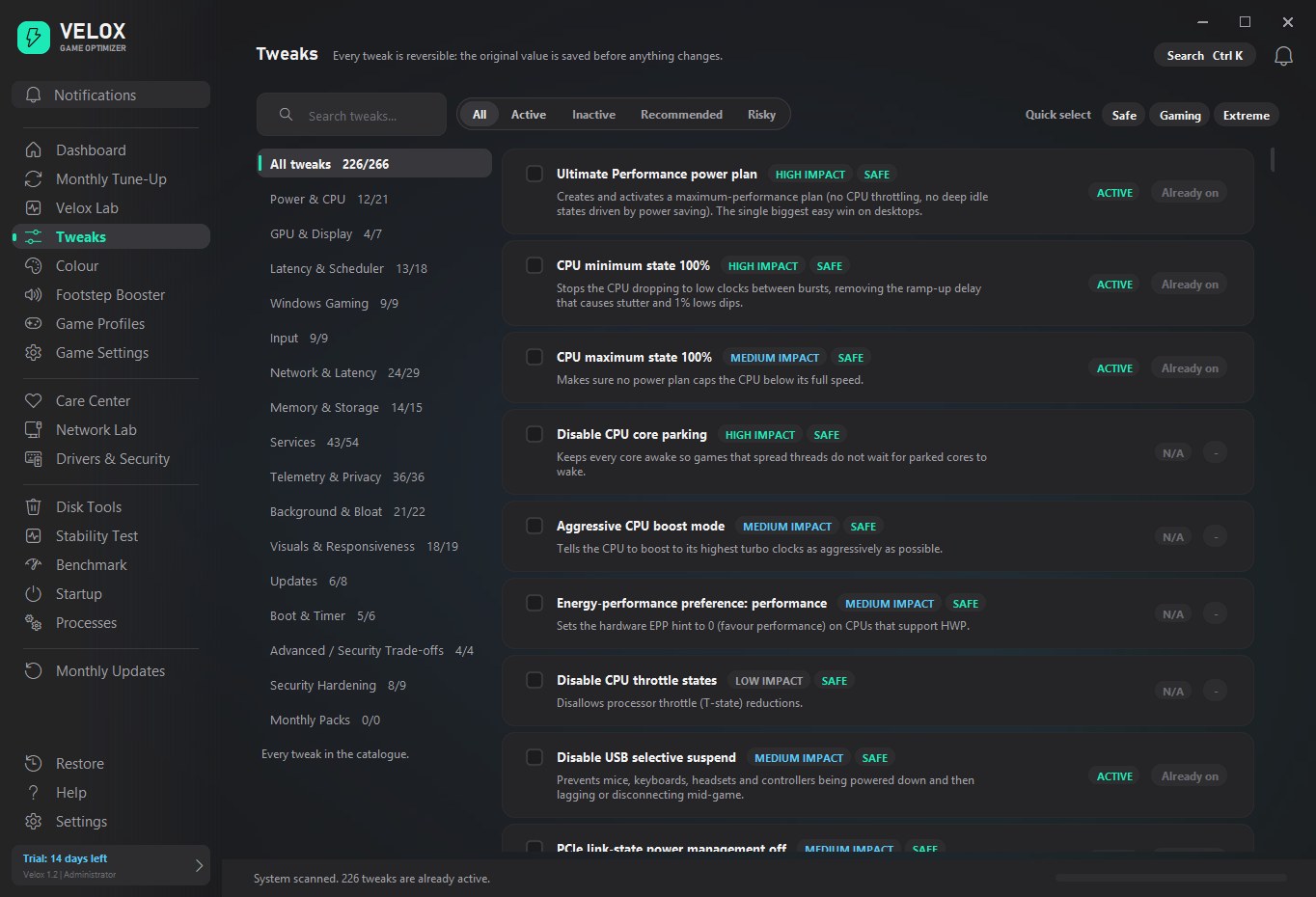
Every tweak explained, every one reversible
Latency, scheduler, GPU, network, power and more. Safe, Gaming and Extreme presets, with impact and risk on every row.
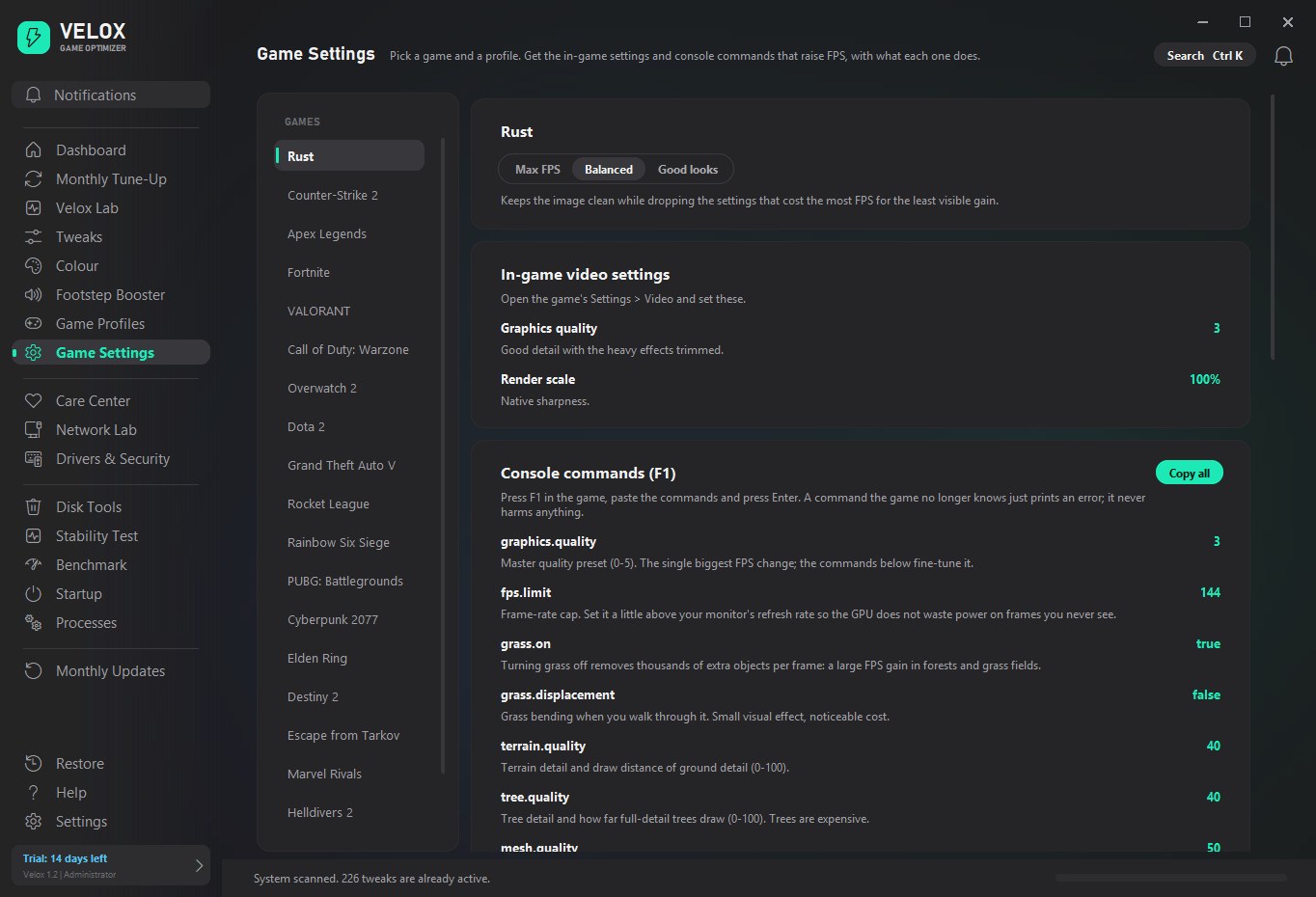
20 games, 3 profiles
Max FPS, Balanced or Good looks, with console commands explained.
Hear them first
A real equaliser with its own built-in engine. Works with any headphones.
See more in the dark
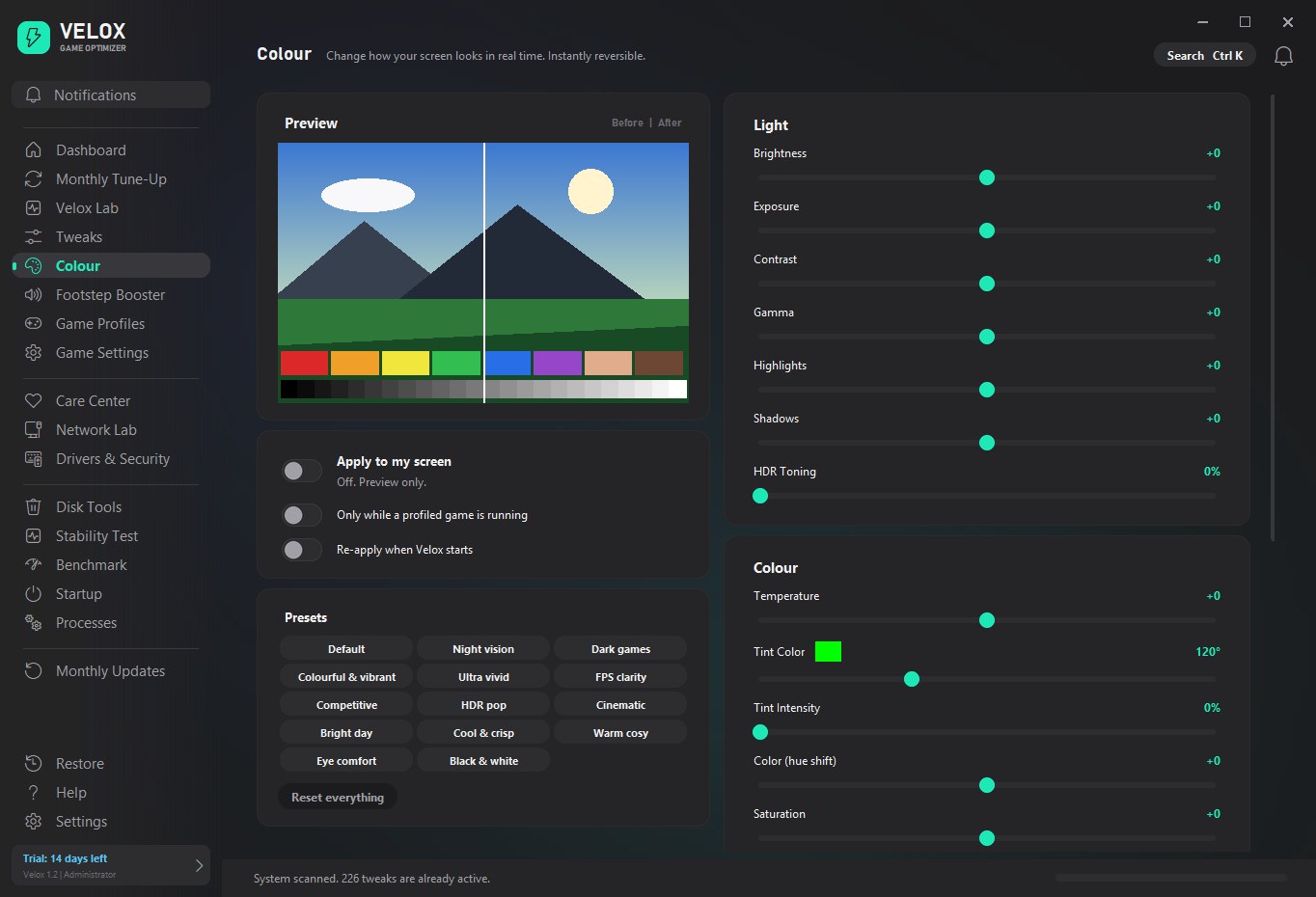
14 presets and 13 live sliders, applied only while you play.
Undo anything
Saved originals, restore points and one-click revert for the whole catalogue.
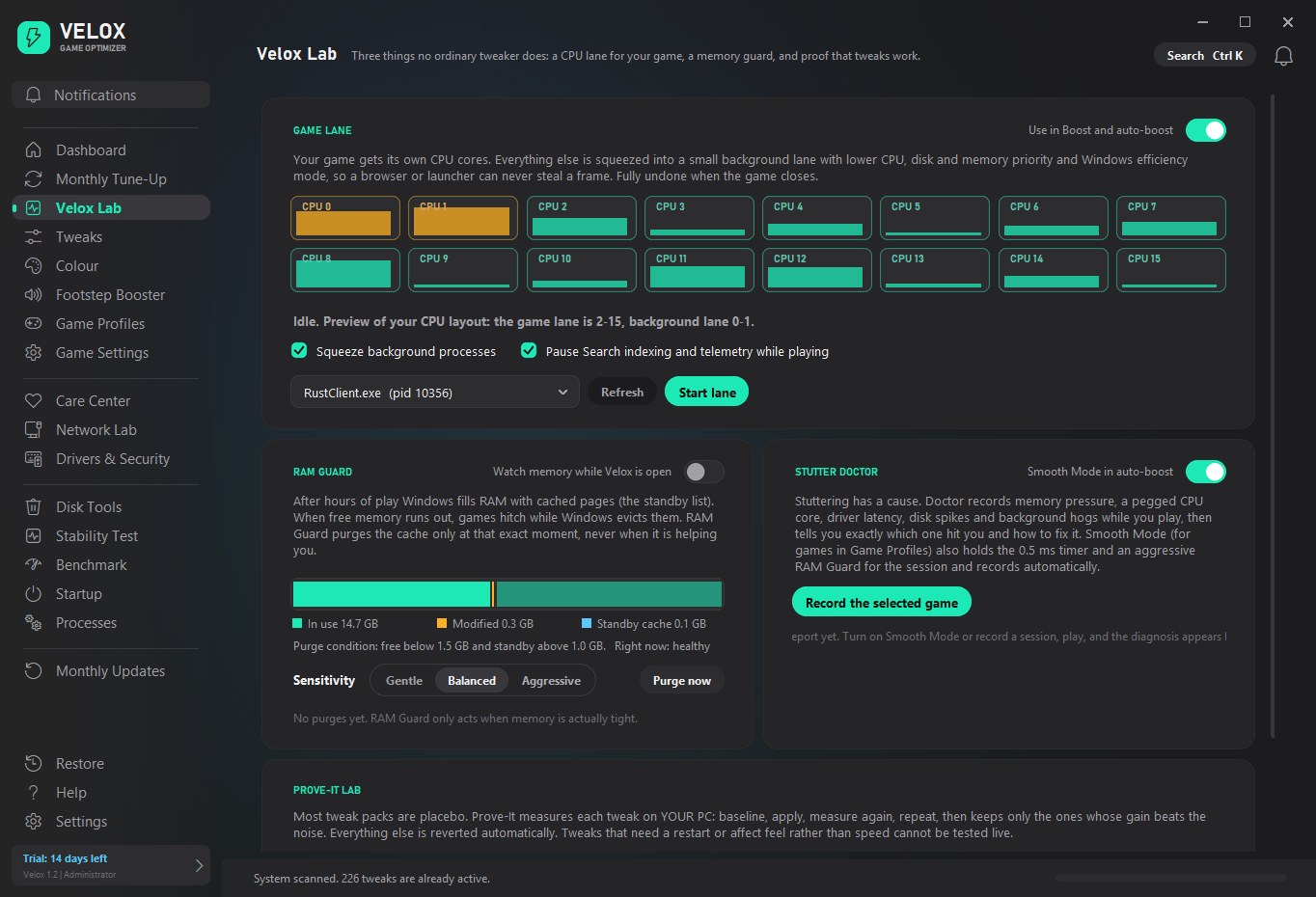
Game Lane and RAM Guard
Give your game its own CPU cores and stop standby memory causing hitches.
Tune what you see and hear
Live before-and-after previews for both.
See the difference, frame by frame
Velox records average FPS, 1% lows and frame-time spikes before and after, so you can check the result on your own PC.
Frame timelower is better
Tuned for the games you actually play
Pick a game and a profile. Get the in-game settings and console commands that raise FPS, each with a plain explanation.
Plus automatic per-game Windows boosts for anything Velox finds installed on your PC.
Three steps. Measured at both ends.
No guesswork: you see the numbers before you start and after you finish.
Scan
Velox reads your PC and shows which of the 266 tweaks apply, what each one changes, and how risky it is.
Apply
Choose Safe, Gaming or Extreme, or pick your own. The original value is saved first, so everything can be undone.
Prove it
Run the benchmark and stutter analysis again. Changes inside normal run-to-run noise are not counted as wins.
Tweaking by hand vs Velox
| By hand or random scripts | Velox | |
|---|---|---|
| Undo a change | Hope you remember the old value | Saved first, one click to revert |
| Know what it does | Forum posts and guesses | Plain explanation on every tweak |
| Know it helped | Feels faster, maybe | Built-in benchmark, before and after |
| Per-game settings | Search for each game | Profiles with explained commands |
| Hardware that is not supported | Applied anyway | Skipped automatically |
One plan. Everything included.
£4.99 a month. Cancel any time.
Velox Pro
- All 266 tweaks and every preset
- Game Settings for 20 popular games
- Footstep Booster and Colour Lab
- Velox Lab: Game Lane, RAM Guard, Prove-It
- Monthly content packs for new Windows and games
After paying you set a password, then sign in to your dashboard and the app. Download the installer
Questions, answered
Is it safe? Can I undo everything?
Yes. Velox saves the original value before changing anything. You can revert a single tweak or everything at once, and it can create a Windows restore point for you.
Will it get me banned in online games?
Velox changes Windows settings. It does not touch game files, inject into games or read game memory, and it leaves anti-cheat processes alone. Check your game's rules if you are unsure.
How do I know it helped?
Use the built-in benchmark before and after. Changes inside normal run-to-run noise are not counted as improvements.
How does my account work?
After you subscribe we email you a link to choose a password. Sign in to your dashboard to download Velox, then sign in to the app with the same email and password. The app checks your subscription whenever it opens online and keeps working offline for about a week.
Does it work with my antivirus?
Optimisers edit system settings, which some antivirus products treat cautiously. If a file is flagged, add the Velox folder as an exclusion.
Which Windows versions are supported?
Windows 10 and Windows 11, 64-bit. Velox asks for administrator rights because most performance settings need them.